Mood tracker & journal
A mood tracker and journal that sits next to your habits
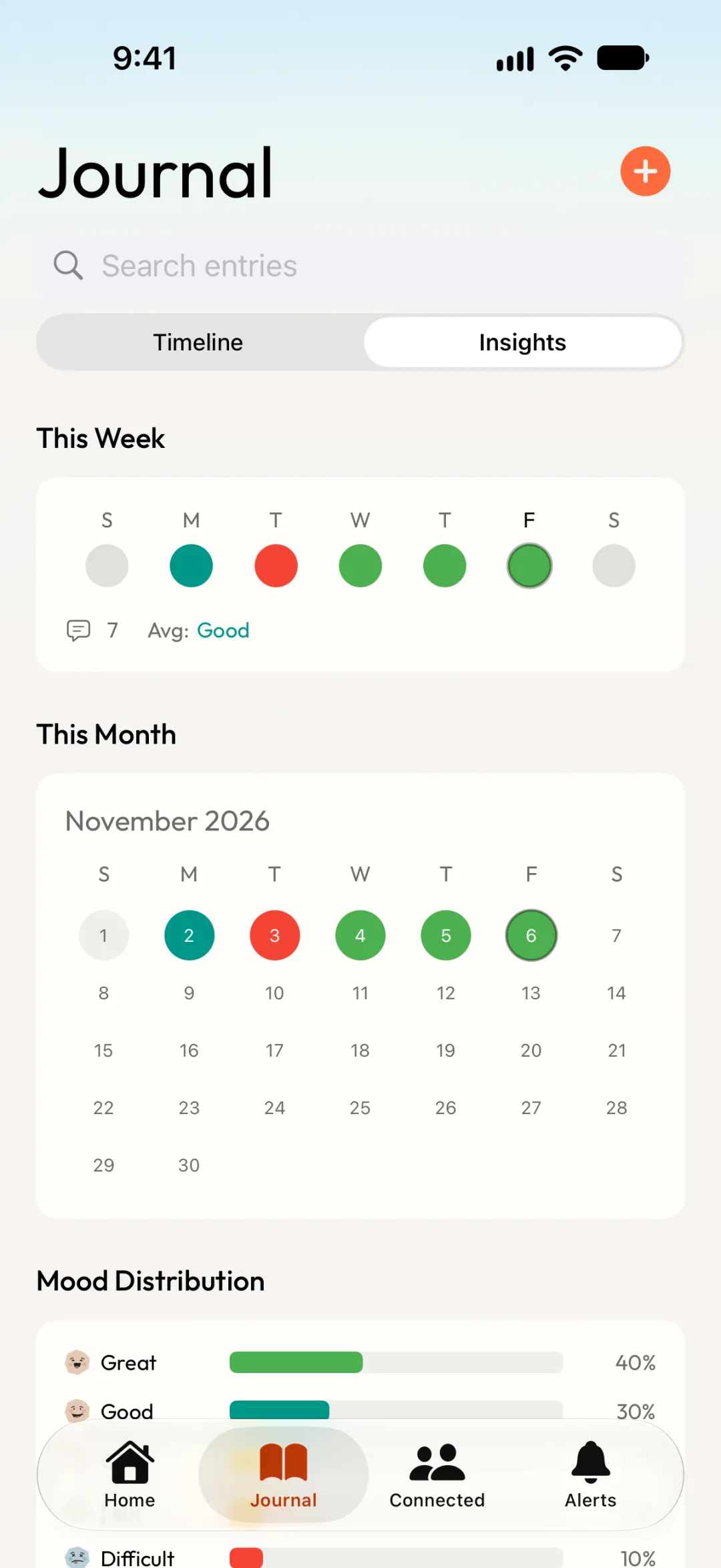
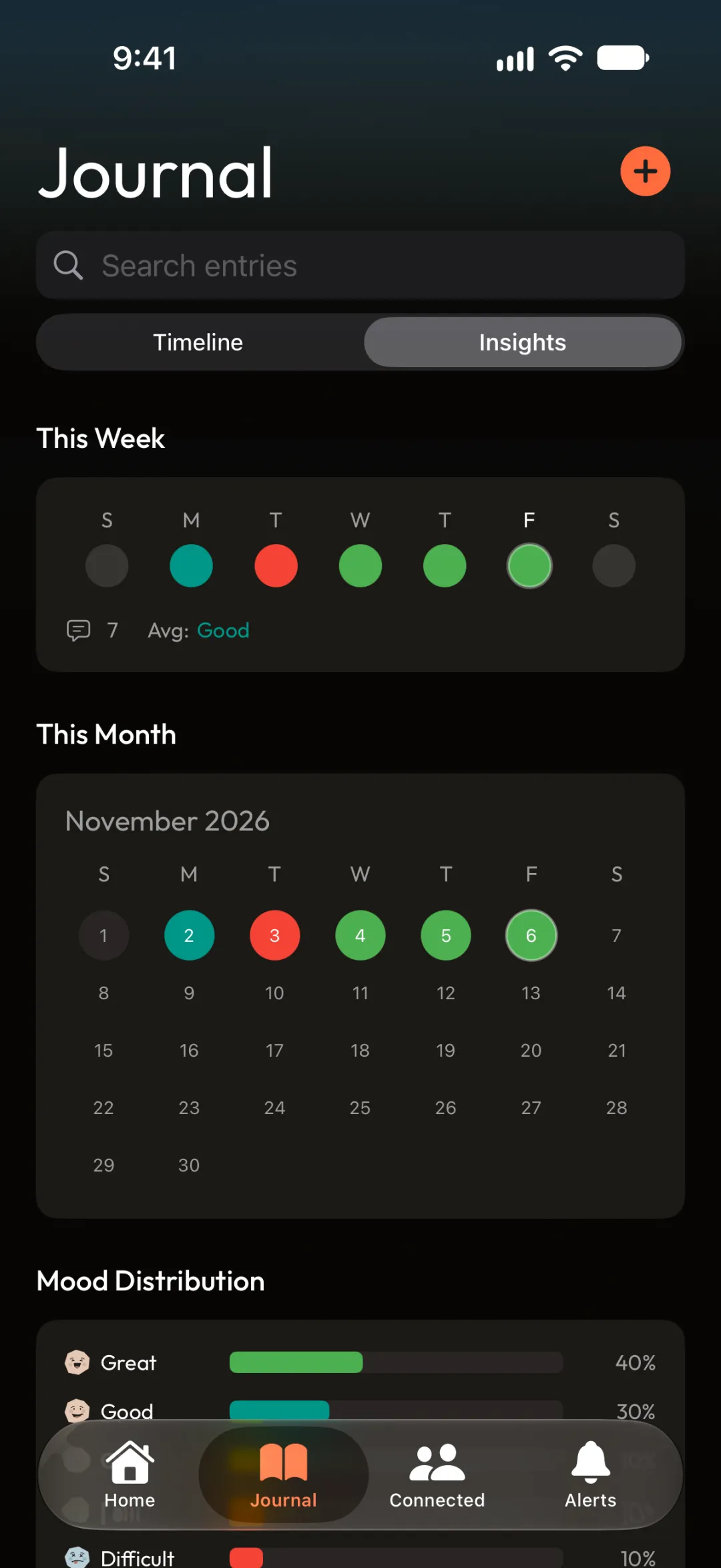
Track your mood in one tap, add a line about your day and tag the habit it's about. Your timeline shows which days felt good, and what you did on them.


Free to download · Mood tracking and journal included

Why it works
See what moves your mood
A mood and a line a day is enough.
Track your mood in one tap
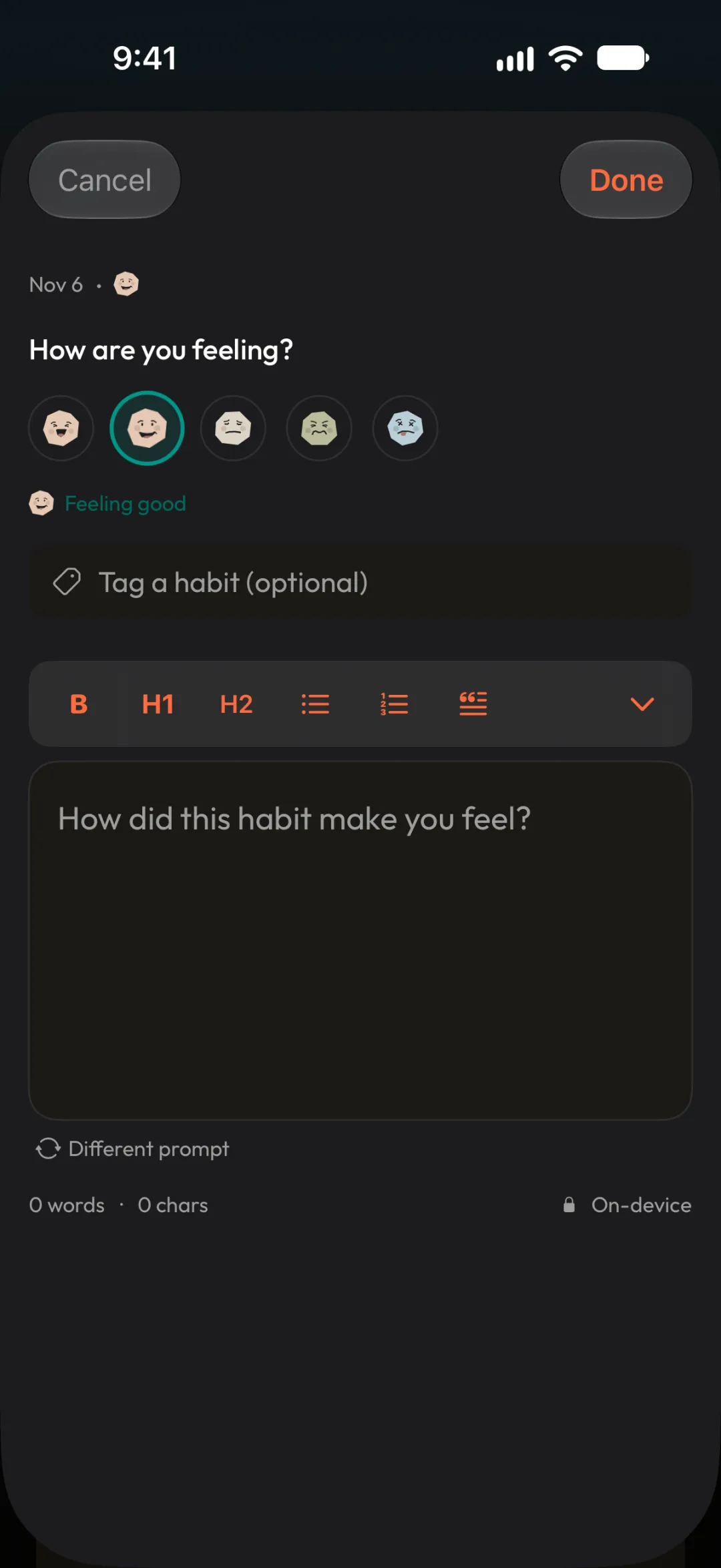
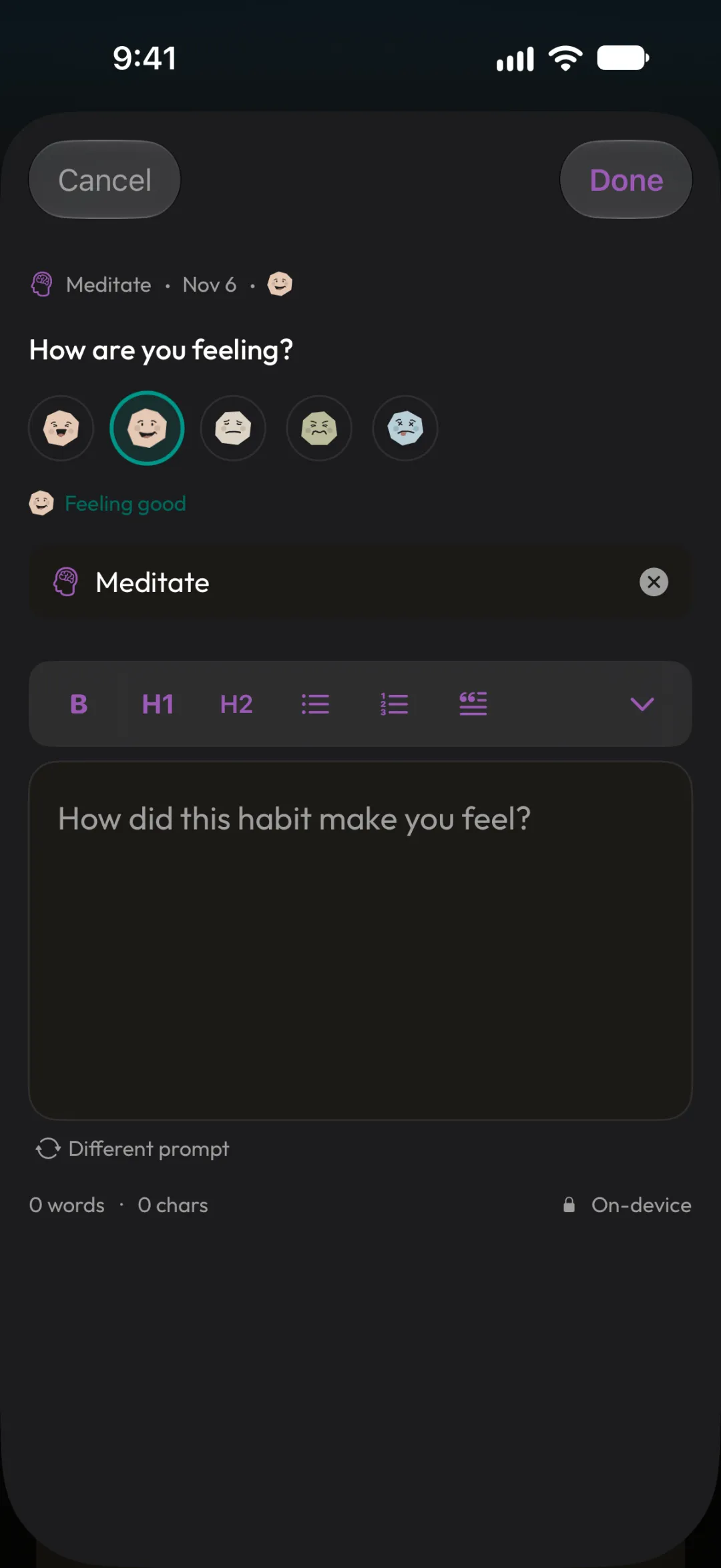
Answer "How are you feeling?" with one of five moods, even on days you don't feel like writing.
Connect feelings to habits
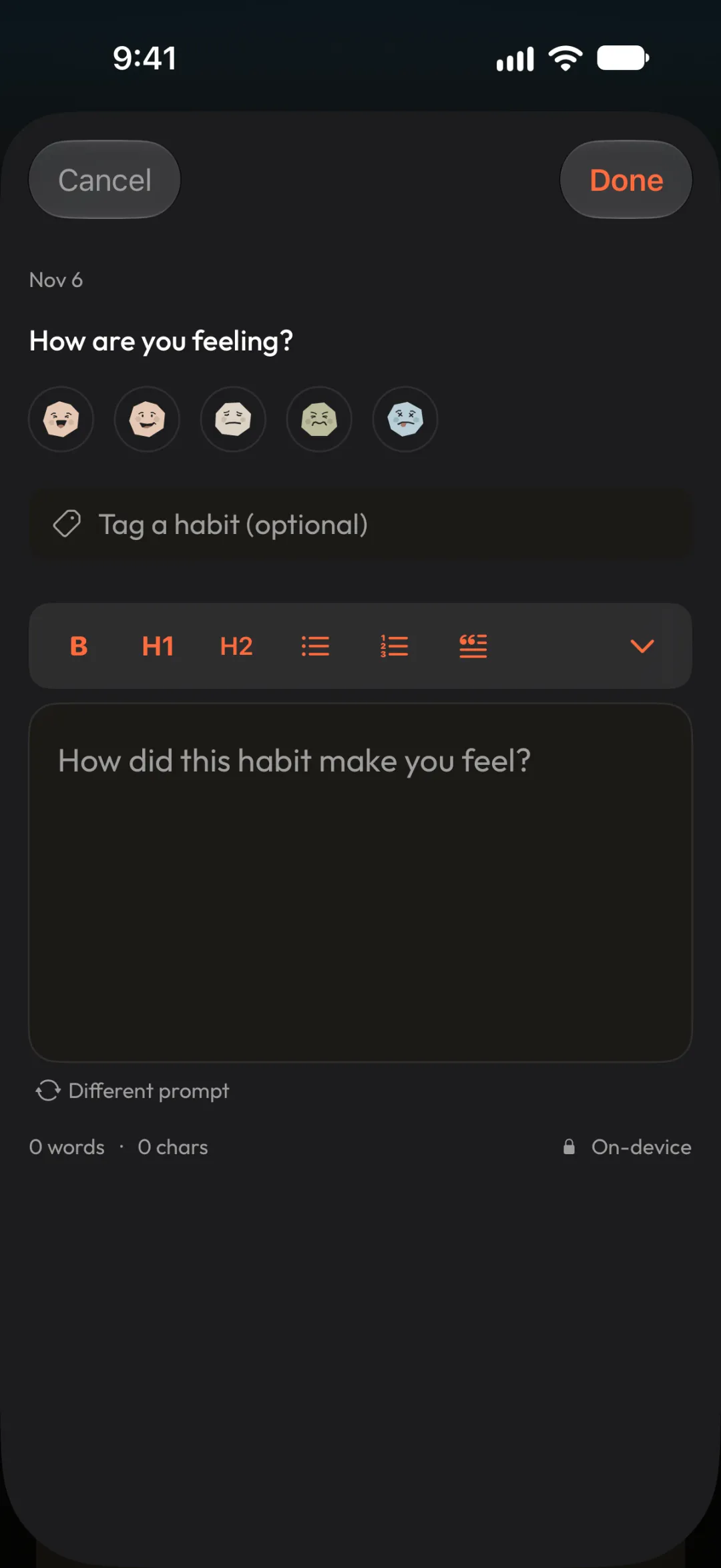
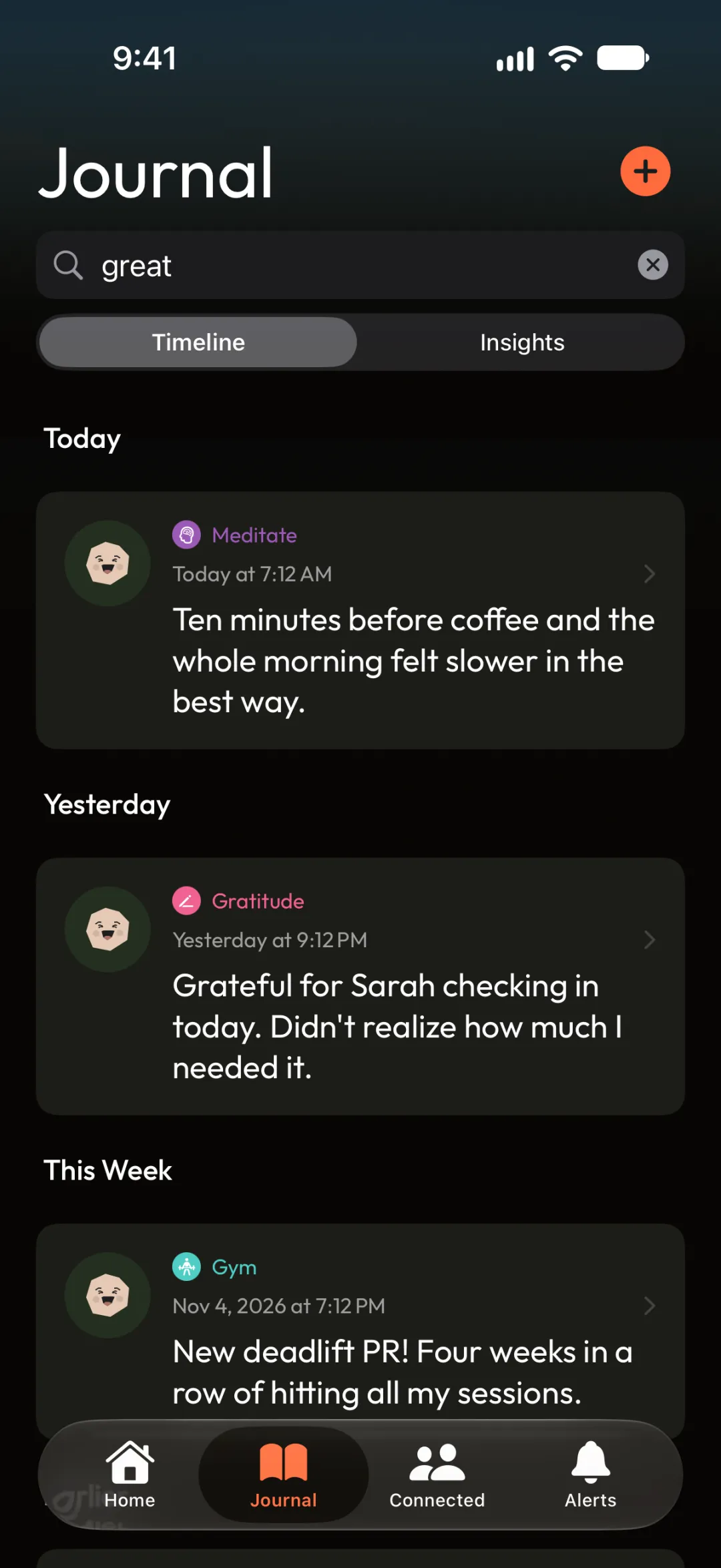
Tag an entry to Meditate, Gym or any habit, so your good days and your habits sit side by side.
Private by design
Entries are stored on your device, with optional sync to your own iCloud. We never see them.
How it works
How mood tracking works
Four steps, each shown in the app.
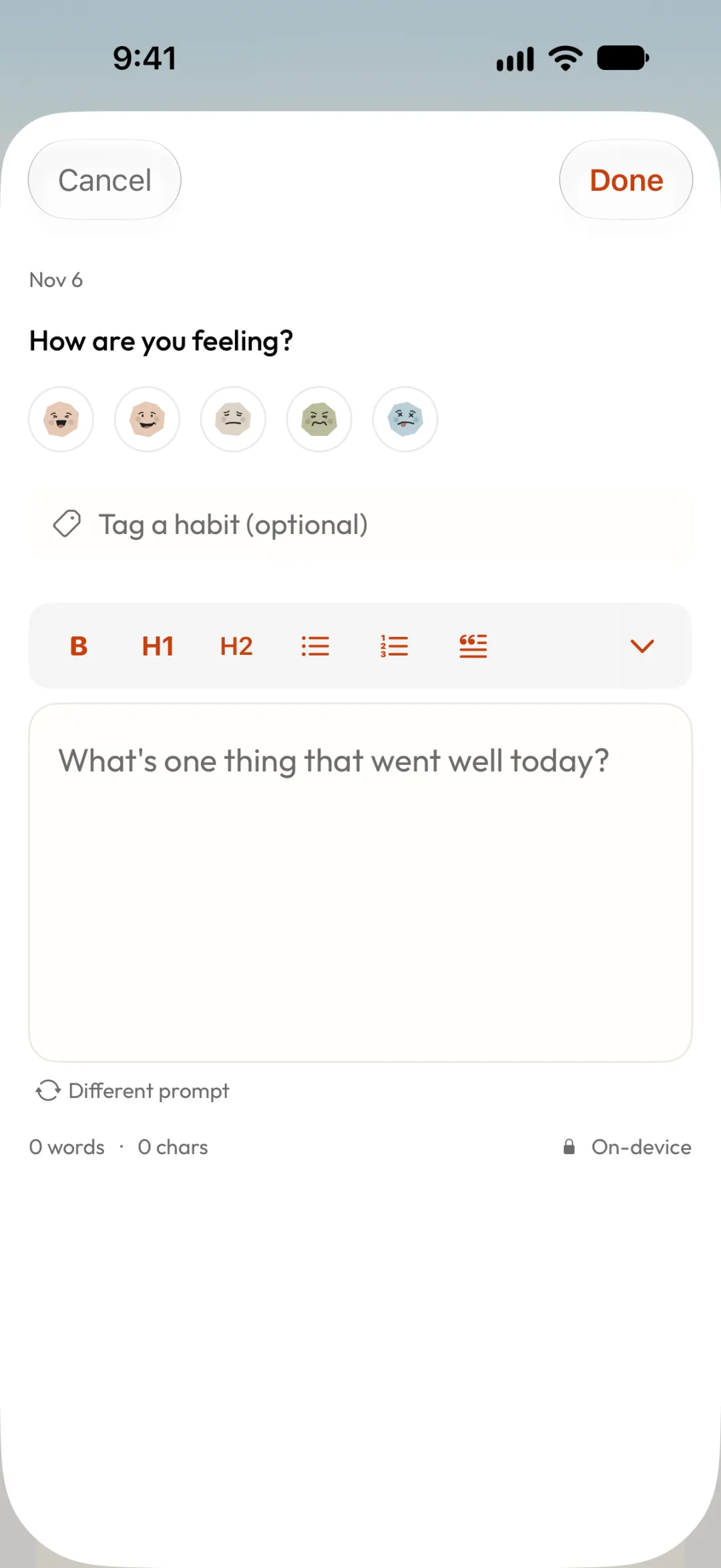
Step 01
Start an entry
Tap + in the Journal tab. Stuck? Tap Different prompt for a new question.
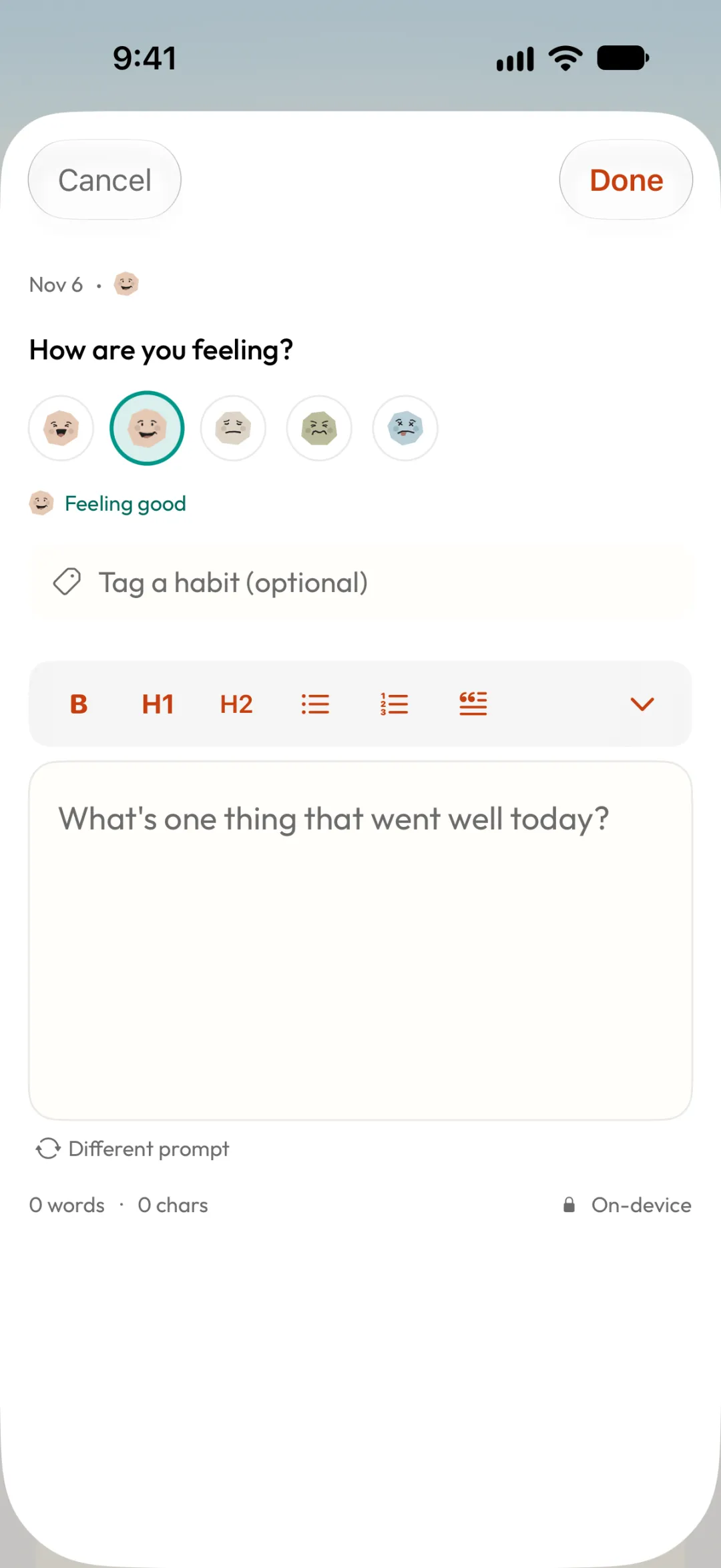
Step 02
Pick your mood
Choose one of five moods, from great to rough.
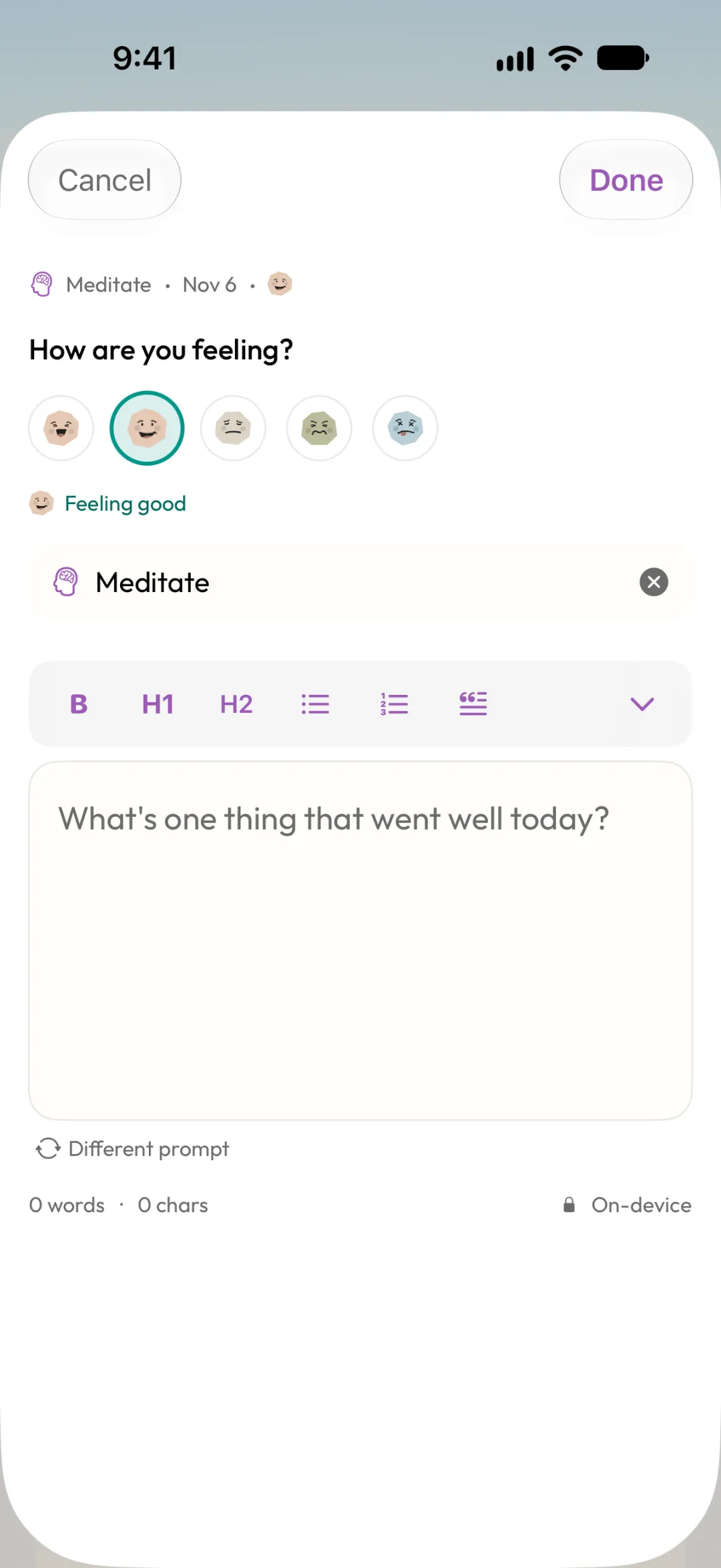
Step 03
Tag a habit
Link the entry to a habit, or leave it untagged.
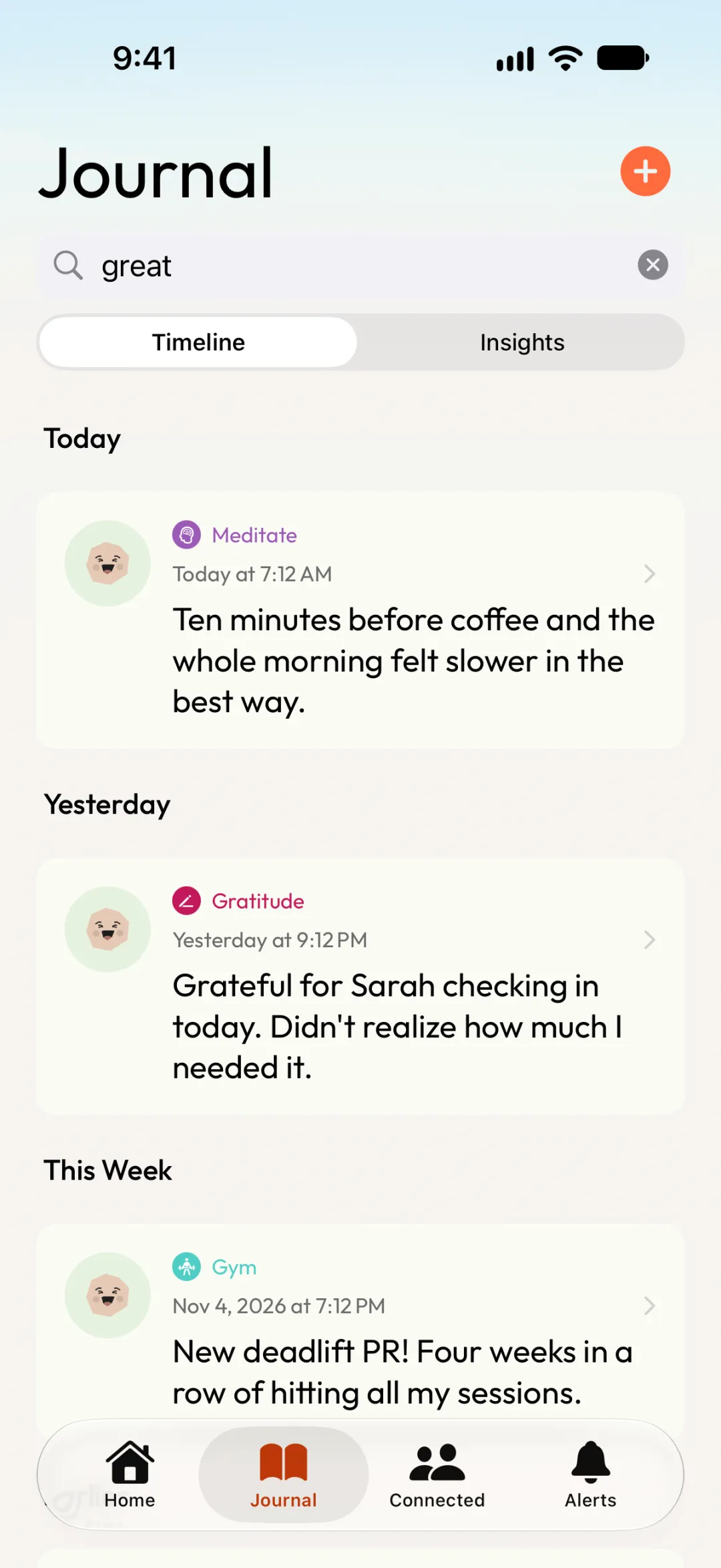
Step 04
Look back
Scroll or search your timeline to see which days felt best.
Which do you need?
Mood tracker or mood journal?
You don't have to pick one. Every entry in Apex Habits is both.
Mood tracker
A quick daily check-in. Pick one of five moods in a tap, even on days you don't feel like writing. Over weeks it shows your ups and downs.
Mood journal
A few words about why. Prompts help when you're stuck, and Different prompt gives you another question.
Both, next to your habits
Tag an entry to Meditate, Gym or any habit, so your mood and your habits sit side by side on one timeline.
See it in action
Watch an entry come together
Write a journal entry, pick your mood, tag a habit and see the entry on your timeline.
In this video
Your journal stays yours
No account and no feed. Entries stay on your iPhone unless you turn on iCloud sync to your own account.
Questions
Mood tracker FAQ
More ways to use Apex Habits


Your next streak starts tonight.
Free on iPhone. No account needed.
Stay in the Loop
Get tips, updates, and new feature announcements. No spam.